NEW: v1.0.0 — First release
DUKR
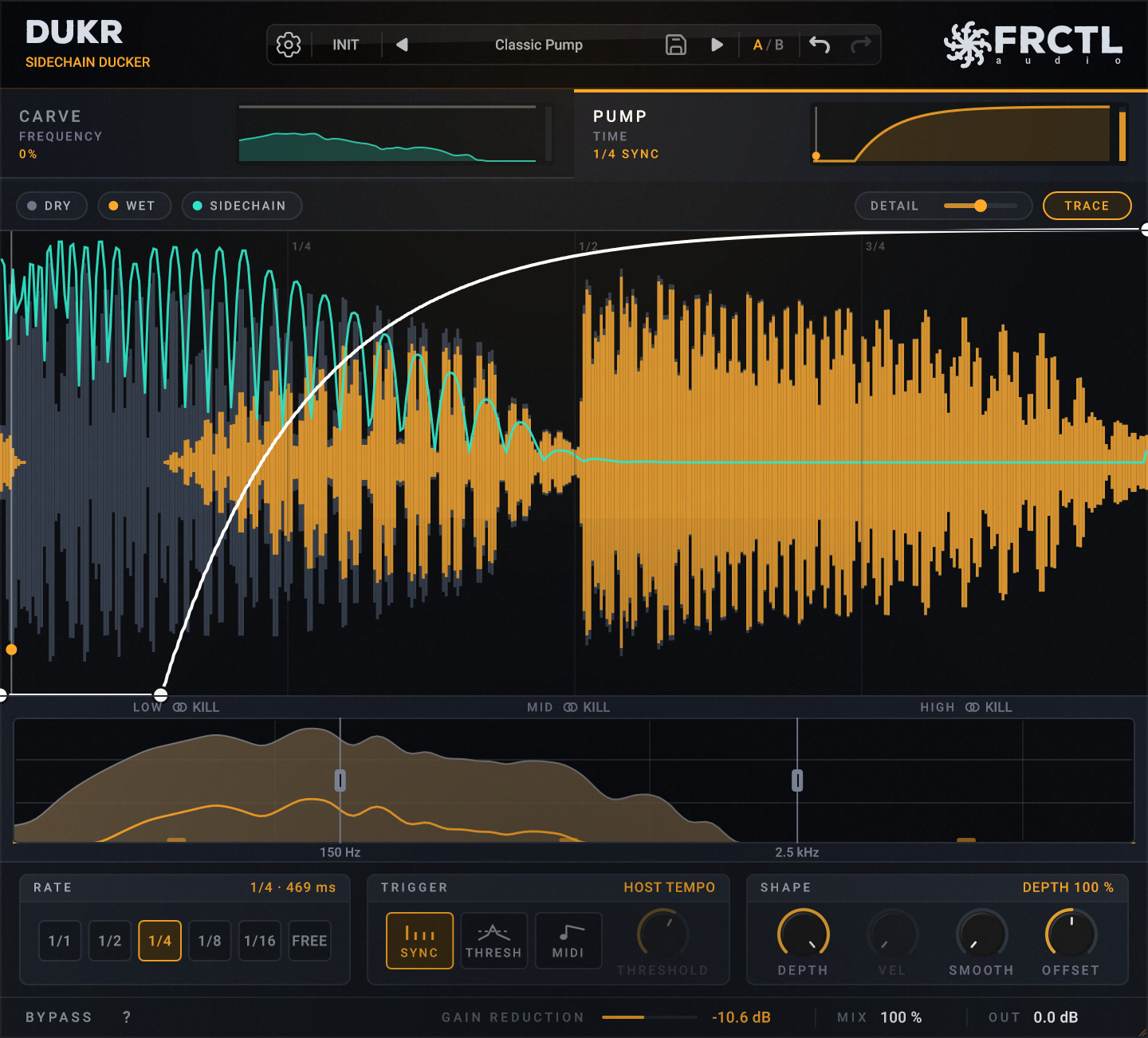
A sidechain ducker that can also cut just the frequencies that clash.
If your kick disappears when the bass comes in, put DUKR on the bass. It turns the bass down on every kick in the shape you draw, and it adds no latency, so you can leave it on while you record.
Or try it free for 14 days. It's the full plugin, and all you need is an email address.
Lifetime free updates·14-day money-back guarantee
Join 10,800+ producers making music with FRCTL
See how it works

Built For
Bass under the kick
Route the kick into DUKR on the bass channel, and the bass steps back each time the kick hits.
A vocal over a pad
The pad gets quieter only in the frequencies the vocal is using, and only while the singer is singing.
Drum racks and MIDI clips
A MIDI note can fire the duck, so a kick in your drum rack can trigger it without any audio routing.
Linux and CLAP hosts
DUKR runs as VST3 and CLAP on Windows, macOS and Linux, with an AU version for the Mac as well.
Two ways DUKR makes room in a mix
DUKR has two stages on two tabs, and each one makes room in a different way.
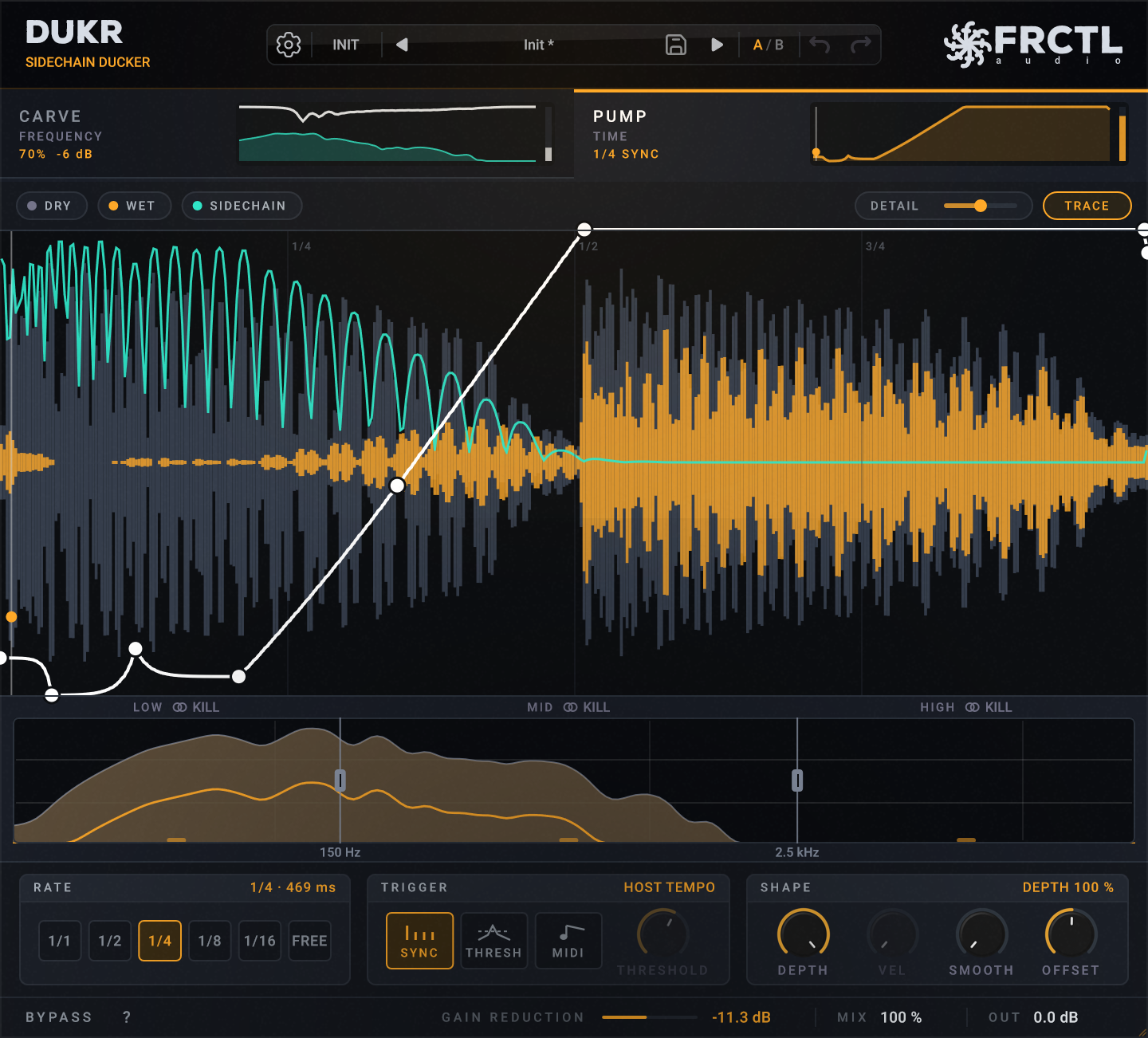
PUMP
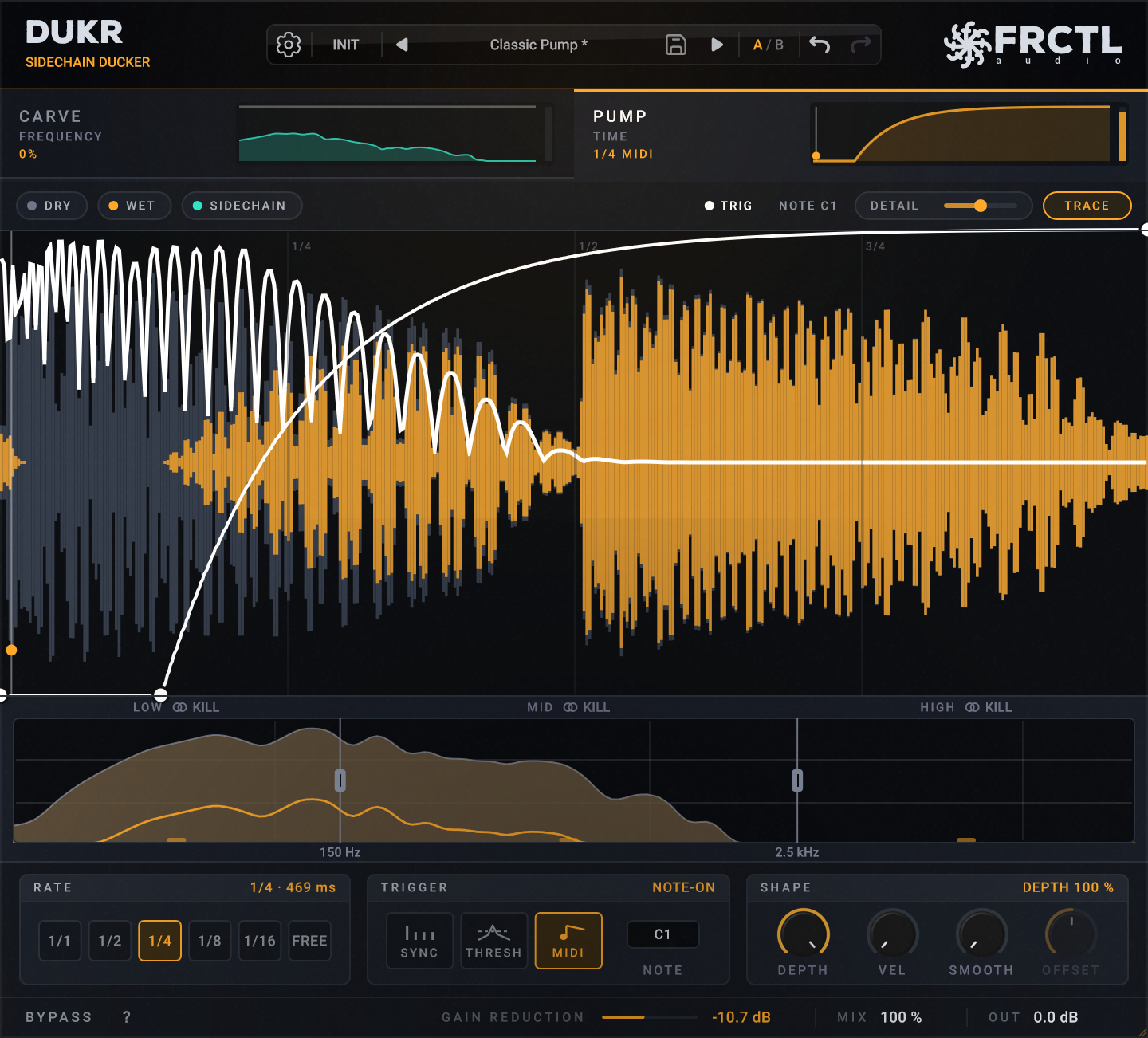
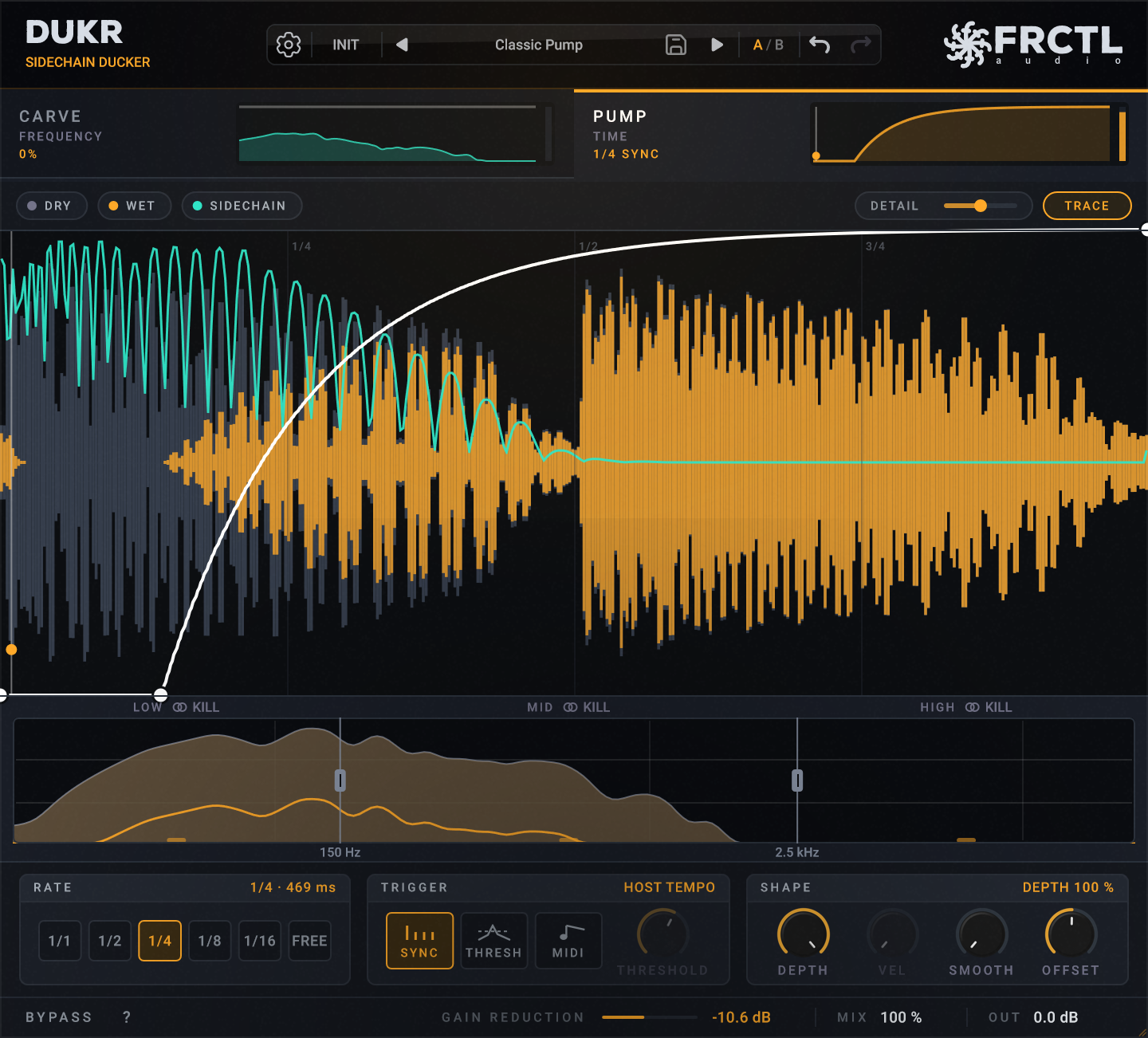
Press TRACE and DUKR draws the duck from your sidechain
- •TRACE reads whatever is on the sidechain and turns each hit into a drop that follows its real decay. DETAIL sets how many points it uses, from 4 to 16, and you can drag any of them afterwards.
- •The curve repeats in time with your DAW at any rate from 1/1 to 1/16, straight, dotted or triplet.
- •Draw a few hard steps into it, and the same curve works as a rhythmic gate or a stutter.
- •DUKR adds no latency, so nothing in your session shifts and you can play or record with it switched on.
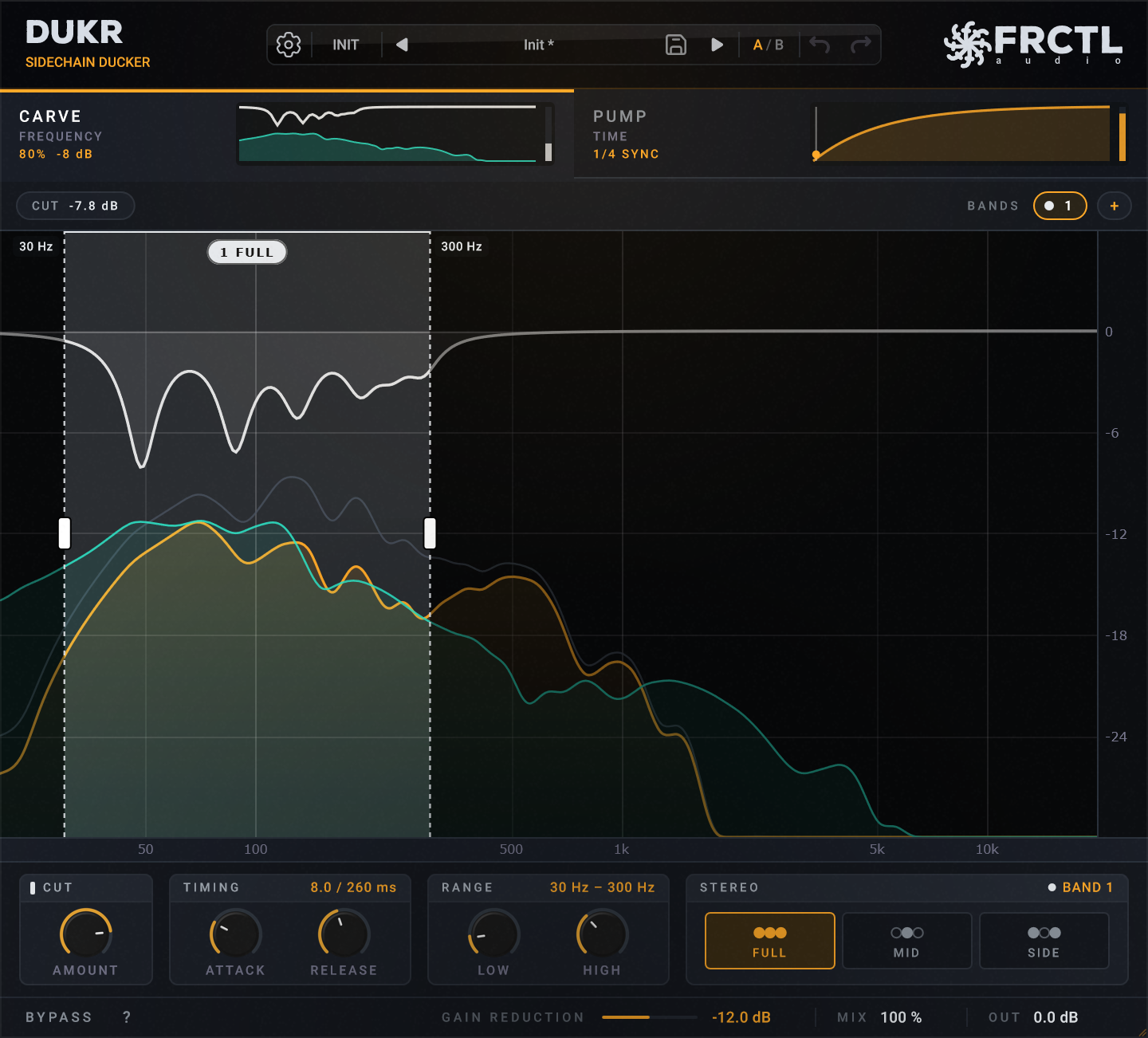
CARVE
CARVE turns your track down only where the sidechain is, and only while it plays
- •It listens to the sidechain, finds the frequencies it is playing, and cuts those same frequencies out of your track by up to 24 dB.
- •When the sidechain stops, the cut lets go over the release time you set, so your track fills back in.
Start creating.
Included
- VST3 and CLAP for Windows, macOS and Linux, plus AU for macOS
- 40 factory presets in five folders
- One payment, with every update after it free
- A serial that activates offline, with no account and no plugin manager to install
System Requirements
Questions
Isn't this just a sidechain compressor?
It does the same job, but you set it differently. A compressor reacts to the kick's level, so you tune threshold, ratio and release until it sounds right. DUKR ducks in the shape you draw, and CARVE can turn down just the frequencies that clash.
Do I need to route a sidechain?
No. DUKR follows your DAW's tempo out of the box. Route the kick in when you want it to follow the actual hits.
Can I use it live?
Yes. DUKR adds zero latency.
Does it work in Logic Pro?
Yes. DUKR loads as a normal Audio Unit, and for the MIDI trigger you use DUKR MIDI on a Software Instrument track. Both come in the same download.
How do I install?
Download, copy DUKR to your plugins folder, enter your key on first open. No account needed.
Is there a trial?
Yes. The full DUKR, free for 14 days. Start it from the plugin with your email address. When it ends, projects you made still open and play exactly the same; only editing locks until you buy.
What's included with my purchase?
One-time purchase, and all future updates are free.
Ready when you are.
$13.99$18.99
One time, yours forever.
Lifetime free updates·14-day money-back guarantee
Secure checkout, powered by Paddle