GRN
Best sellerTurn Any Sound Into Living Texture
GRN transforms your audio into evolving pads, atmospheric soundscapes, and otherworldly textures. Musical defaults, intuitive controls, instant results.
Lifetime free updates·14-Day Money-Back Guarantee
Join 350+ producers using GRN
As Featured In






“Even if you already have a granular delay plug-in or two, you may well find that GRN can deliver sounds they can’t.”
Try GRN Live
Pick a source, audition a preset, twist the dry/wet. Same recording, no other effects.
Built For
Ambient & Electronic
Still loops start to move
Film & Game Scoring
Tension and atmosphere from recordings you already have
Sound Design
Field recordings turned into sounds no library has
Vocal Production
One phrase frozen into a bed under the lead
Inside GRN 4.0.0
A Complete Granular Workstation.
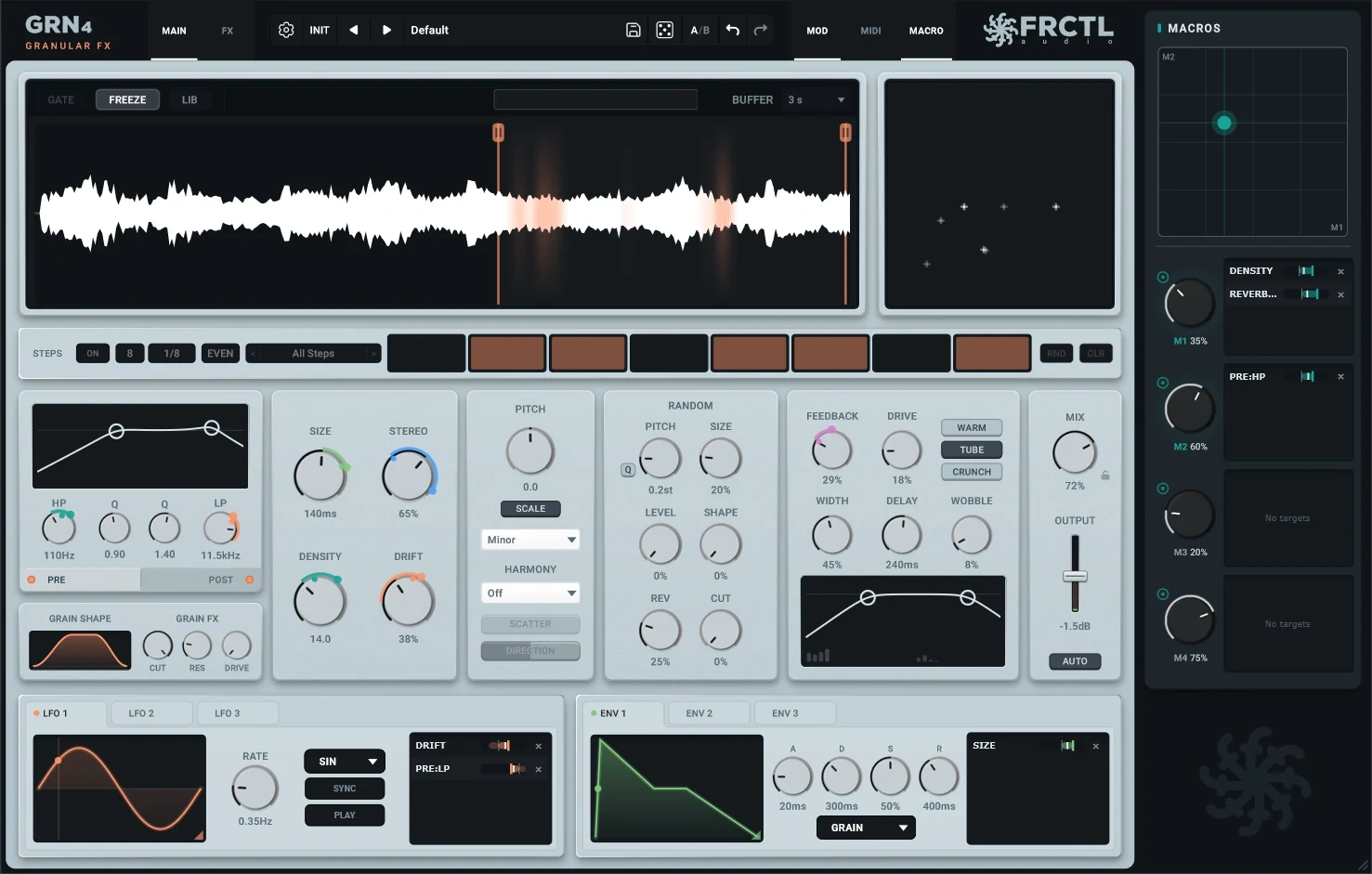
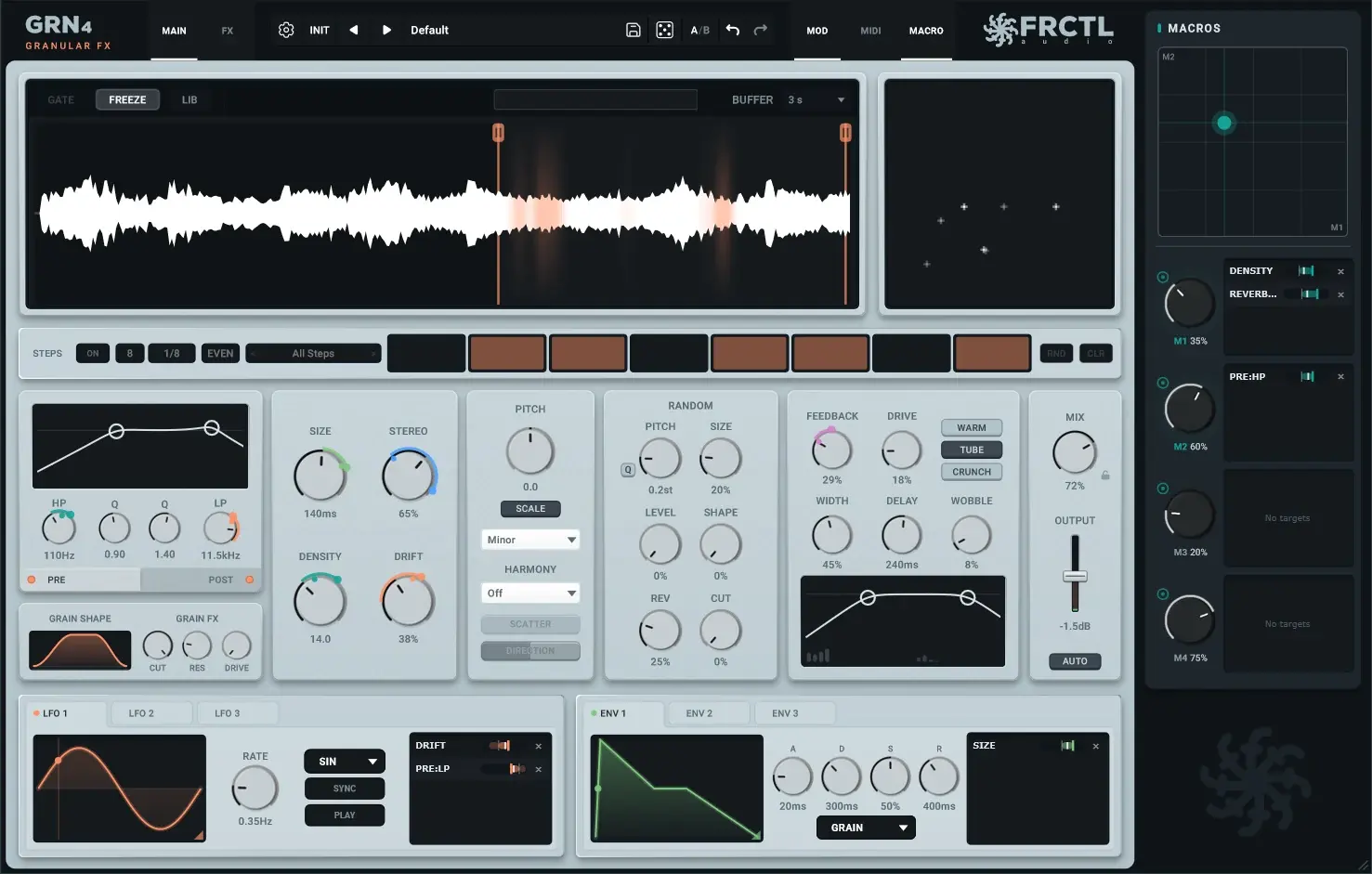
Audio in, texture out
Any Sound Becomes a Texture.
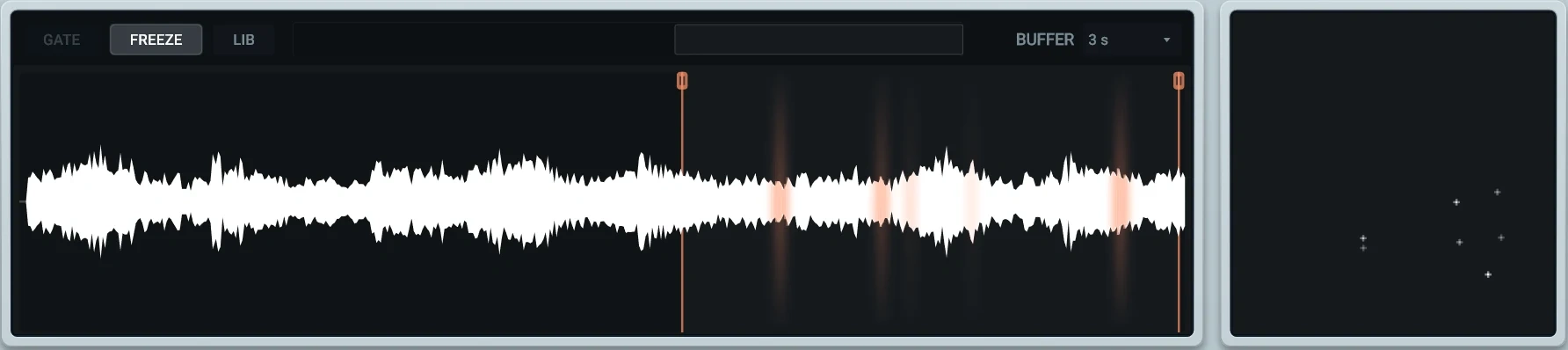
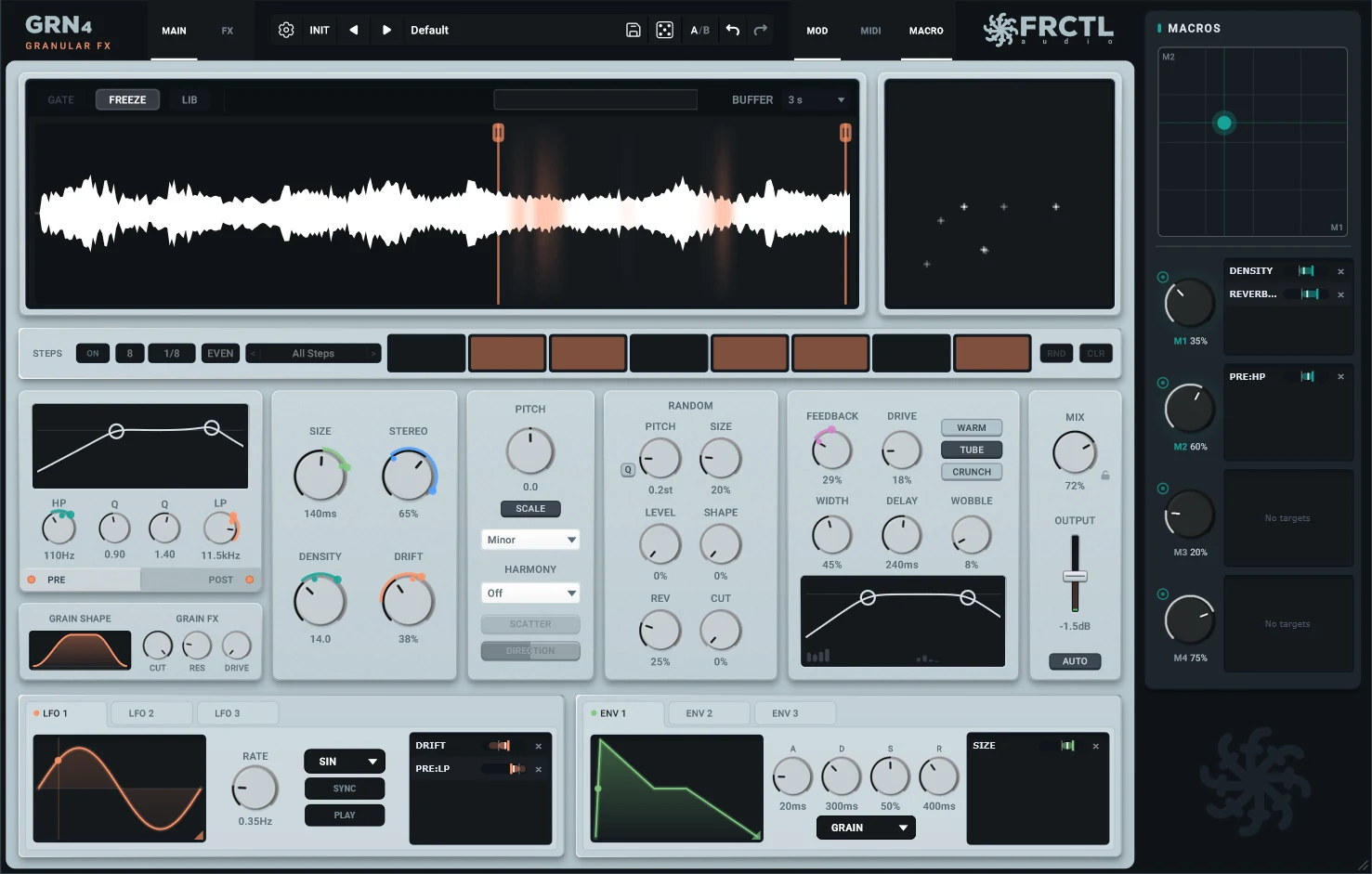
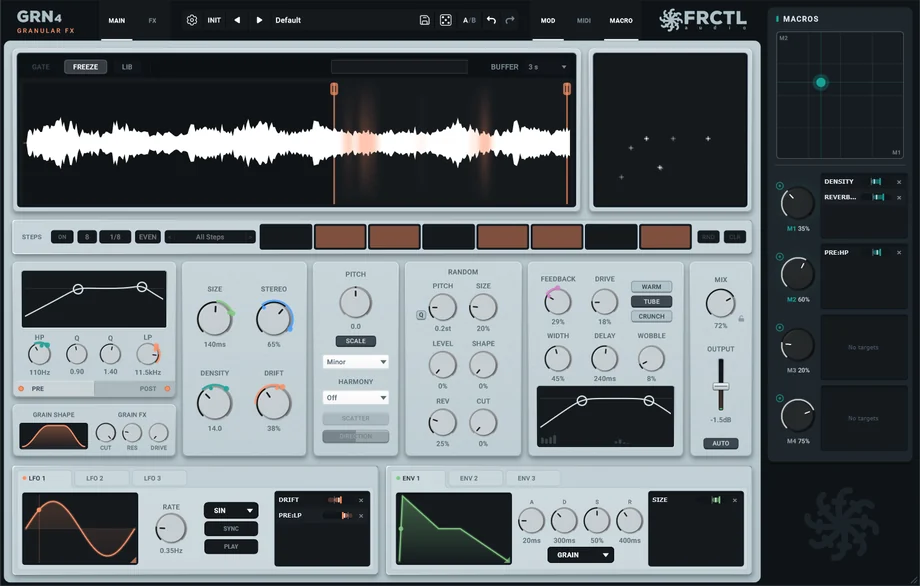
- •Drop GRN on a track. The sound comes out as grains that move, shimmer and drift.
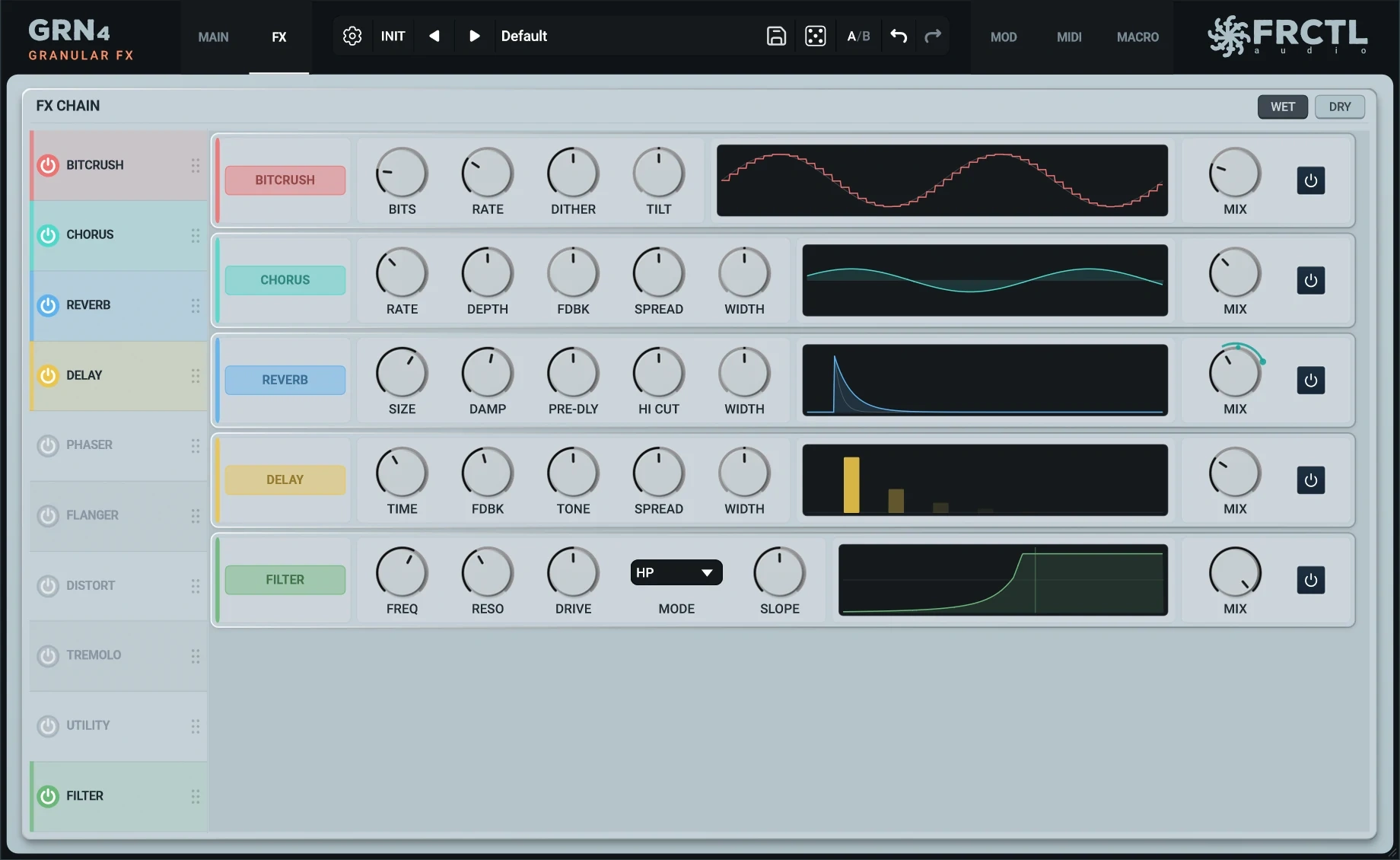
- •Two filters, a feedback loop and ten effects sit around the grain engine.
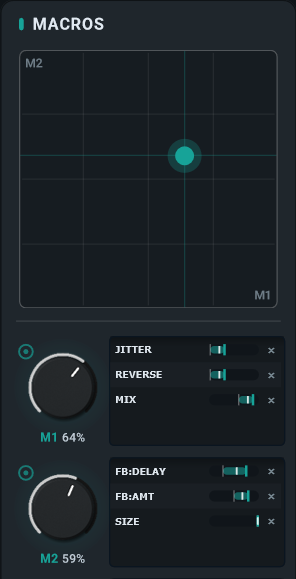
- •Three LFOs, three envelopes and four macros move any knob.
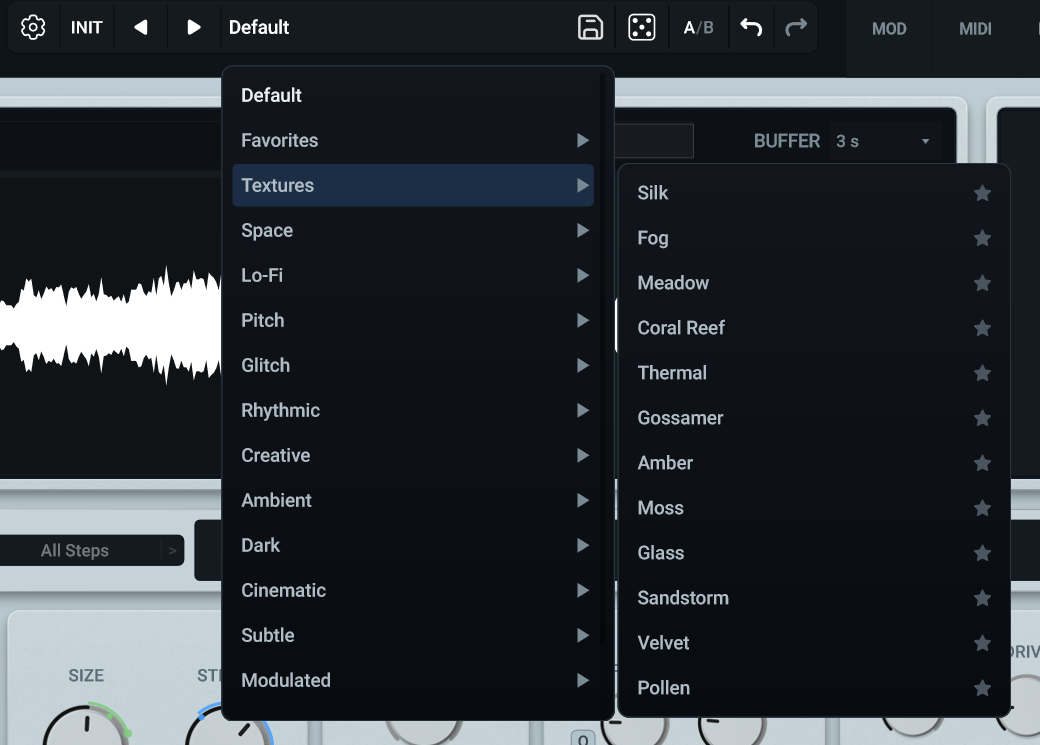
- •140 presets to start from, sorted by the sound they make.
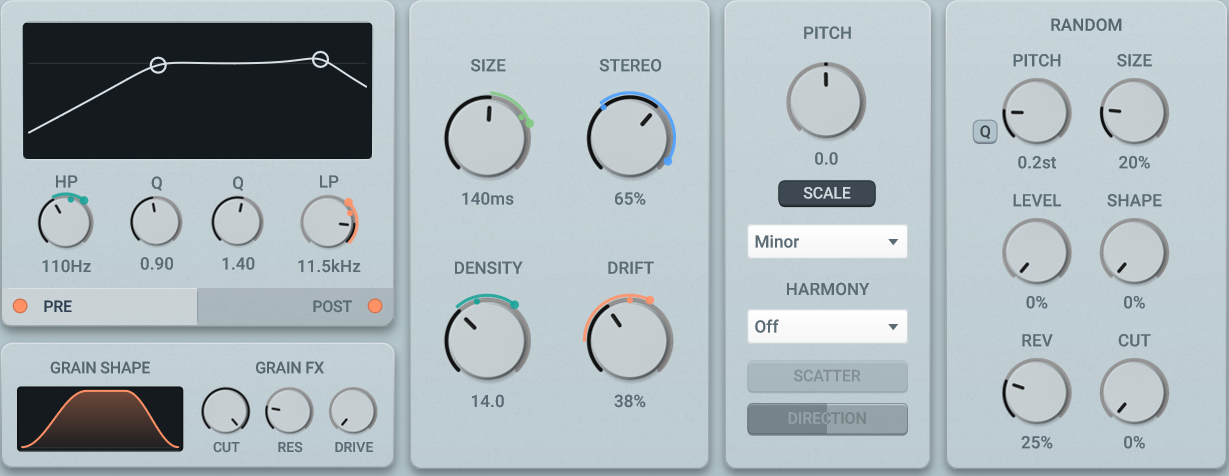
The main controls
Where the Sound Is Shaped.
- •SIZE, DENSITY, DRIFT and STEREO: how long each grain is, how many there are, how loose they are, how wide they sit.
- •PITCH shifts the grains up to two octaves. SCALE mode keeps it in key. HARMONY adds intervals.
- •RANDOM scatters pitch, size, level, shape, reverse and filter cutoff from grain to grain.
GRN in Real Use
A full session with GRN, by DATABROTH

Start creating.
Free vs Full
GRN Lite
Free forever
- Core granular engine
- Amount + Mix controls
- Waveform display
- VST3, AU, CLAP
- Windows, macOS, Linux
- Works in all major DAWs
GRN
$34.99 — one time
- Everything in Lite, plus:
- FX Rack — 10 effects, 6 knobs each, drag-to-reorder
- 2 LFOs + 2 ADSR envelopes, drag-to-assign
Included
- VST3, AU, CLAP plugins
- Windows, macOS, Linux
- 3 computer license
- Lifetime free updates
- Direct developer support
System Requirements
Questions
Can I use it live?
Yes. GRN processes audio in real-time with zero latency and low CPU usage — perfect for live performance setups.
Does it work with MIDI?
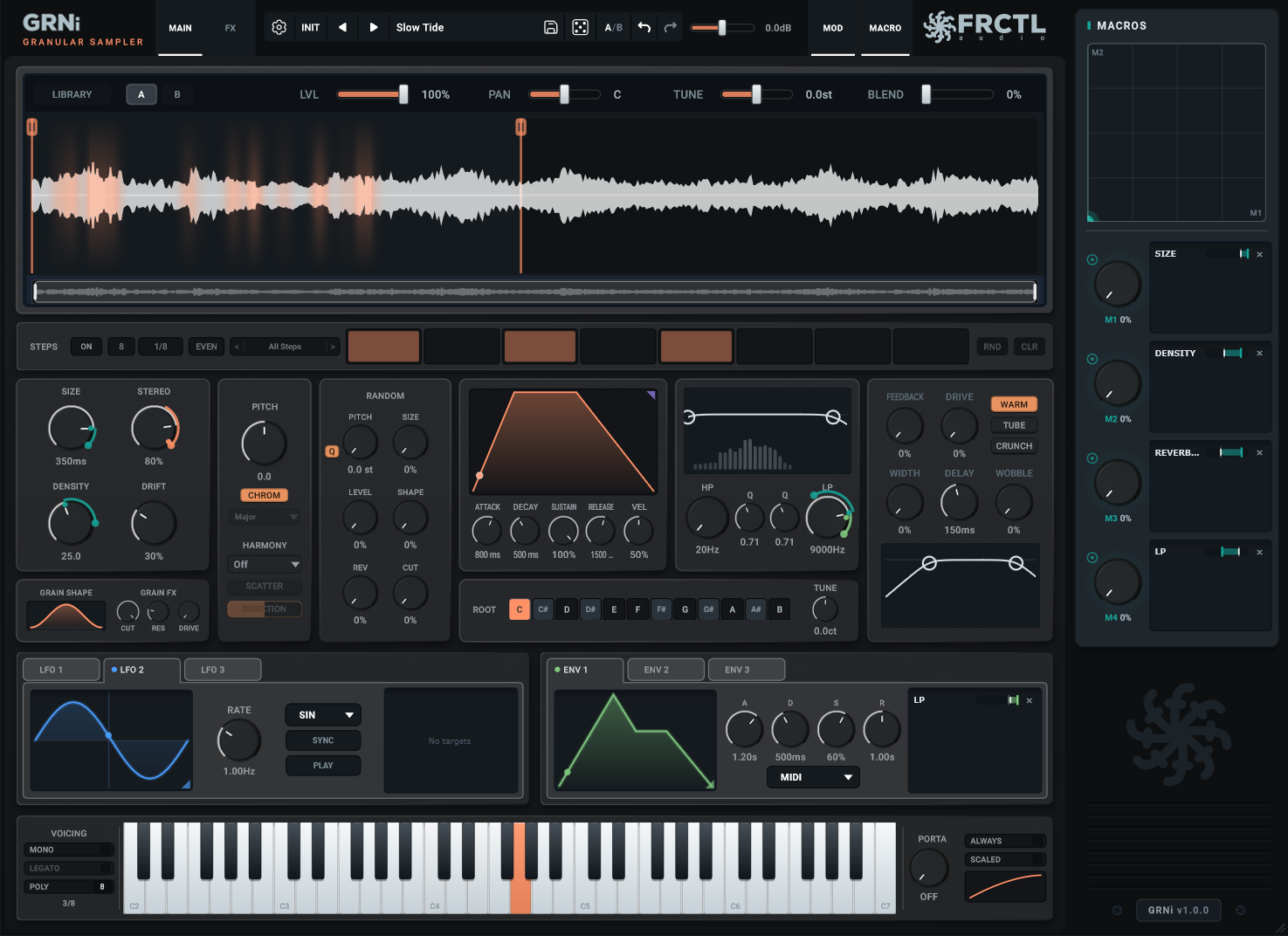
Yes. Turn on MIDI Pitch Mode and GRN becomes a playable instrument: every note you hold retunes the grains. It is off by default, so GRN works as a normal effect too. Every parameter can be automated from your DAW.
How do I install?
Download, drag GRN4 to your plugins folder, enter your key on first open. GRN 4 installs next to GRN 3, so old projects keep working.
Is there a trial?
Yes. Try the full GRN free for 14 days, no card, no account. After that it keeps working in any project you already made, it just won't let you change anything until you buy it.
Is there a free version?
Yes. GRN Lite has the same core engine with fewer features. Try it free.
Commercial use?
Yes. Use in any project. Keep 100% of your royalties.
CPU heavy?
No. GRN is built for real-time use and runs fine on older systems.
What's included with my purchase?
All future updates are included free. One-time purchase, lifetime updates, no subscriptions.
“Great plugin reminicent of features found on the Torso S-4. Stable, lightweight and economically priced. This developer has it in the bag, Thank You!”
Ready when you are.
$34.99 — one time, yours forever.